


Firestick IPTV Setup Guide 2026: Stream 10,000+ Channels on Your Fire Stick
Amazon Fire Stick is one of the best devices for IPTV streaming. Learn how to set up Firestick IPTV and access 10,000+ channels with HD quality. This complete guide covers installation, app selection, and optimization.
Why Firestick for IPTV?
Fire Stick advantages include: Affordable pricing (£20-50), compact and portable, 4K models available, easy to install, extensive app support, 24/7 access to content.
Firestick Models 2026
- Fire Stick 4K Max (£55) - Best option, fastest performance
- Fire Stick 4K (£40) - Great 4K support
- Fire Stick HD (£25) - Budget option, 1080p quality
Prerequisites for Firestick IPTV
Before setup, ensure you have: Amazon Fire Stick, HDMI connection to TV, WiFi connection (5GHz recommended), INFINTETV subscription, Compatible IPTV app.
Step-by-Step Firestick IPTV Setup
Step 1: Connect Fire Stick to TV - Plug Fire Stick into HDMI port - Connect USB power cable - Select HDMI input on TV - Fire Stick logo appears
Step 2: Complete Initial Setup - Select language (English recommended) - Connect to WiFi network - Sign in with Amazon account - Accept terms and conditions - Allow automatic updates
Step 3: Enable Developer Options - Go to Settings - Select "Device" - Choose "Developer Options" - Enable "Apps from Unknown Sources" - Confirm selection
Step 4: Install IPTV App
Download IPTV Smarters (most popular): 1. Go to Amazon Appstore 2. Search "IPTV Smarters" 3. Click Install 4. Wait for installation 5. Launch app
Alternative apps: TiviMate, Perfect Player, GSE Smart IPTV, Kodi.
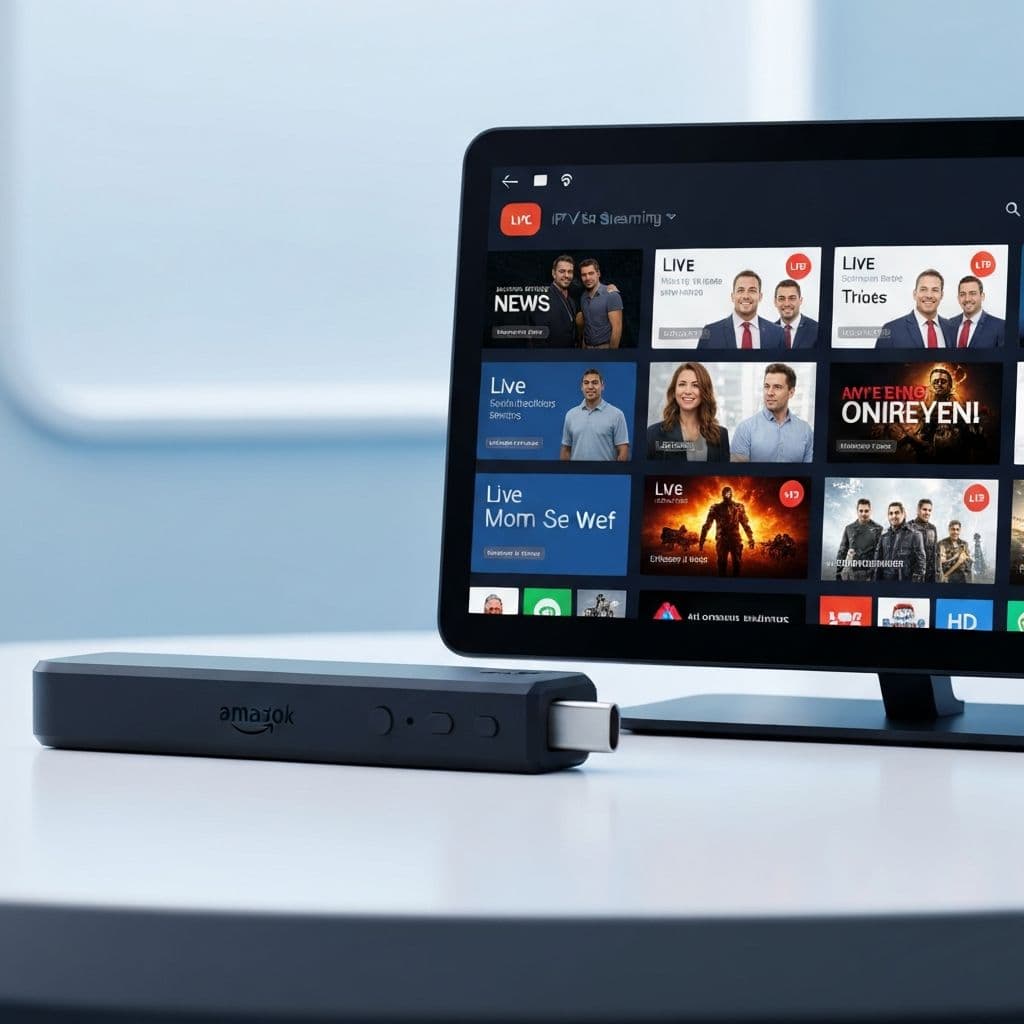
Step 5: Add INFINTETV Subscription
1. Open IPTV Smarters 2. Click "Add User" 3. Enter INFINTETV credentials 4. Verify connection 5. Browse 10,000+ channels
Step 6: Optimize Settings
Video Quality: - Select "Auto" for automatic optimization - Choose "1080p" if you have stable internet - Select "4K" if available with 25+ Mbps
Playback: - Enable "Adaptive Bitrate" - Set "Buffer Size" to medium - Enable "Hardware Acceleration"
Best IPTV Apps for Firestick
IPTV Smarters Pro - User-friendly interface - EPG support - 4K capable - Most downloaded
TiviMate Premium - Optimized for Fire Stick - Smooth navigation - Built-in EPG - Advanced features
Perfect Player - Lightweight - Fast performance - Cross-platform - Free version available
GSE Smart IPTV - Native Fire Stick support - Catch-up TV support - Cloud sync - Multi-protocol support
Troubleshooting Firestick IPTV
Issue: Apps won't install Solution: Update Fire Stick, check storage space, restart device
Issue: Buffering/freezing Solution: Use wired Ethernet, switch to 5GHz WiFi, reduce quality
Issue: No channels showing Solution: Verify credentials, check internet speed, restart app
Issue: App crashes Solution: Clear cache, update app, restart Fire Stick
Internet Speed for Firestick IPTV
Minimum speeds: 720p (5 Mbps), 1080p (8 Mbps), 4K (25 Mbps), Multiple streams add 5 Mbps each.
Speed Test: 1. Go to Amazon Appstore 2. Search "Ookla Speedtest" 3. Install and run 4. Check download speed 5. Select quality based on results
Tips for Optimal Firestick Performance
1. Use Ethernet adapter - More stable than WiFi 2. Position Fire Stick correctly - Prevent overheating 3. Clear cache regularly - Improves speed 4. Update regularly - Get latest features 5. Limit background apps - Reduce congestion 6. Use latest IPTV app - Get bug fixes 7. Restart device weekly - Prevents issues 8. Monitor storage - Delete unused apps
Ready for Firestick IPTV?
Start streaming 10,000+ channels on your Fire Stick today with INFINTETV. Get your free 24-hour trial now. No credit card required.